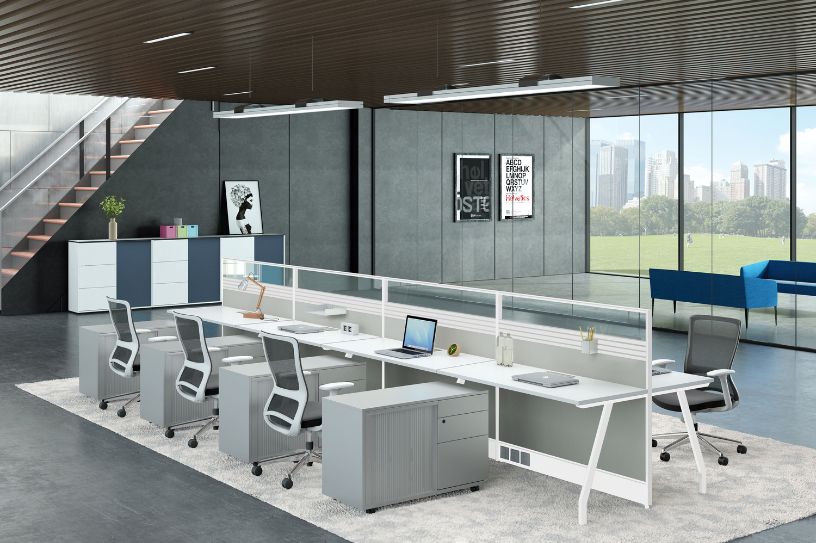
The backbone of any productive office isn’t just always furniture or even decor. It’s actually a workstation design. A perfectly planned office workstation is much more than a desk and chair. It’s such a system that supports focus, efficiency, and well-being of employees throughout the day. Thoughtful workstation design includes ergonomics, desk layout, lighting, ventilation, along with technology integration, ensuring workers can work comfortably, collaborate effectively, and move naturally through their tasks. Many modern offices adopt practical office interior design ideas that combine functionality, comfort, and visual balance to support daily work activities.
Even small design flaws, such as cramped spaces, poorly positioned monitors, or even inadequate lighting, can quietly reduce focus, cause fatigue, and overall productivity.
In this blog, we’ll guide you through the elements of a smart office workstation, explore some different types of workstations, and highlight layouts suitable for small, medium, and large offices. Moreover, you’ll comprehend why exactly a thoughtfully designed workstation isn’t just furniture, it’s also a key that drives performance, comfort, and growth of your business.
Why Office Workstation Design Is Important
The way an office workstation is designed directly affects how your employees perform, collaborate, and maintain their overall focus throughout the day. A well-planned office workstation always goes beyond furniture. Beyond that, it shapes productivity, comfort, and overall efficiency of your business. Below are the key ways a thoughtfully designed workstation makes a difference:
Impact on Productivity
A smart workstation for the office perfectly improves focus and efficiency. This is because it minimizes distractions. Here, ergonomic chairs, thoughtfully arranged desks, and integrated technology help employees complete their tasks faster, streamline workflow, and maintain consistent performance the whole day.
Impact on Employee Comfort
Comfortable workstations lessen fatigue and prevent almost all posture-related issues. Adjustable chairs, suitable monitor heights, enough personal space, and well-planned layouts ensure employees feel physically supported, energized, and able to be productive for longer hours.
Impact on Business Efficiency
Efficient design helps your office run more smoothly. Smartly designed layouts reduce unnecessary movement, make collaboration totally easier, and speed up day-to-day processes. Employees are able to find resources quickly, communicate effectively, and complete tasks without even bottlenecks. Over time, this turns into fewer errors, faster project delivery, along with a measurable boost in overall business performance.
Key Elements of Smart Office Workstation Design
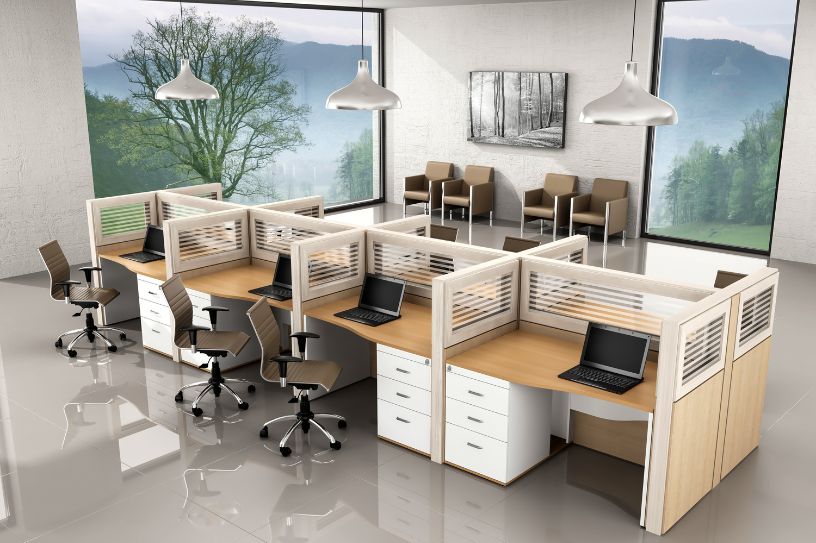
Creating a smart office workstation design involves integrating numerous critical elements that improve productivity, employees' comfort, and operational efficiency. Each component essentially plays a unique role in tuning a simple desk setup into a high-performing workspace. Here are the key elements:
Ergonomic Furniture
Ergonomic furniture truly forms the foundation of any high-performing office workstation design. Adjustable chairs, supportive seating, as well as height-appropriate desks reduce strain, prevent posture-related issues, and allow employees to be energized. Ergonomics not only enhances comfort but also improves concentration, and makes every workstation a productivity booster.Thoughtfully selected table designs for office help accommodate different work styles while maintaining comfort, durability, and proper workspace organization.
Smart Layout Planning
The arrangement of workstations directly impacts workflow and collaboration. A well-thought-out workstation office design balanced personal space with team interaction. Open layouts encourage communication, whereas modular or cubical configurations give privacy when needed. Strategic spacing and clear pathways minimize distractions, streamline movement, and create an organized office environment where employees can work efficiently. Along with layout planning, wall designs for office also play an important role in defining work zones, reducing visual clutter, and enhancing the overall look of the workspace.
Lighting and Ventilation
Proper lighting and air quality are really important for a productive workstation in the office. Nowhere, natural light reduces eye strain and elevates mood, while adjustable task lighting supports focused work. Adequate ventilation ensures fresh air circulation and keeps employees alert and healthy. Together, these elements create such a comfortable environment that sustains energy, focus, and overall well-being. A well-planned office lighting design ensures consistent brightness across workstations and supports employee focus throughout the day.
Technology Integration
Modern offices depend on technology, along with a smart office workstation design that integrates it seamlessly. Accessible power outlets, cable management, a docking station, and high-speed internet make it easy for employees to work without even interruptions. If you keep technology well-organized within the workstation, your teams collaborate efficiently, downtime will be reduced, and your office operations will also be smooth and productive.
Types of Office Workstation Designs
Not every office works the exact same way, and neither should its workstations. The right and relevant design depends on the size of the team, work style, and collaboration preferences. Below are the most common workstation types used in modern offices and how each supports productivity in a different way:
Open Workstations
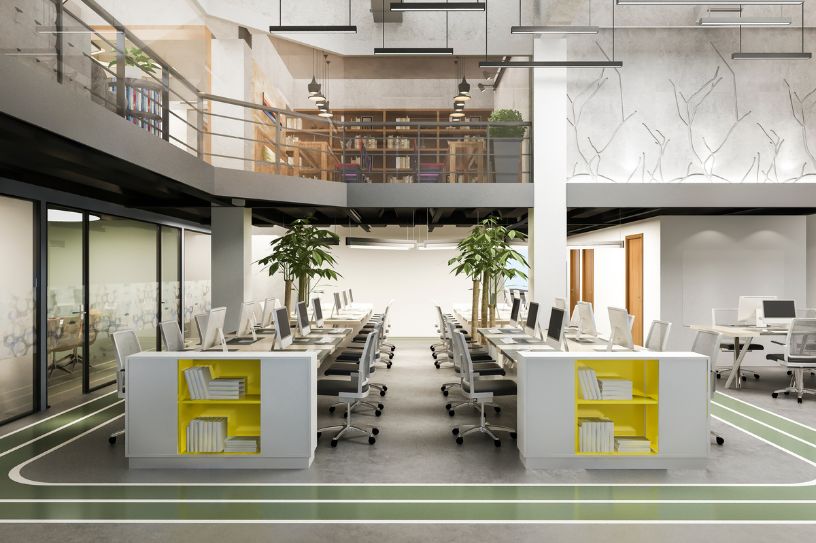
Open workstations remove barriers that can arise physically. This is to encourage communication and teamwork. These designs are a great alternative for collaborative teams when supported by proper spacing, acoustics, and lighting control.
Cubicle Workstations
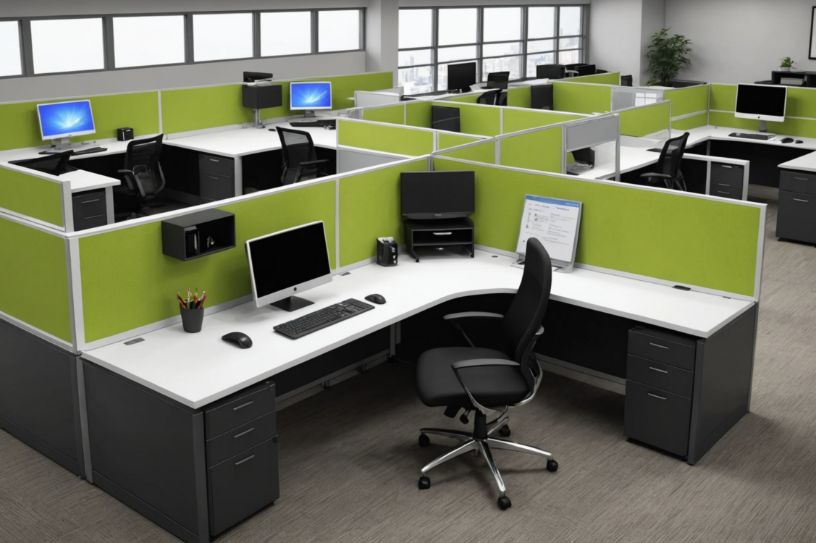
Cubical workstations offer perfectly defined personal space for focused tasks. These designs reduce distractions, support privacy, and suit such roles that require concentration and maintain a structured office environment.
Collaborative Workstations
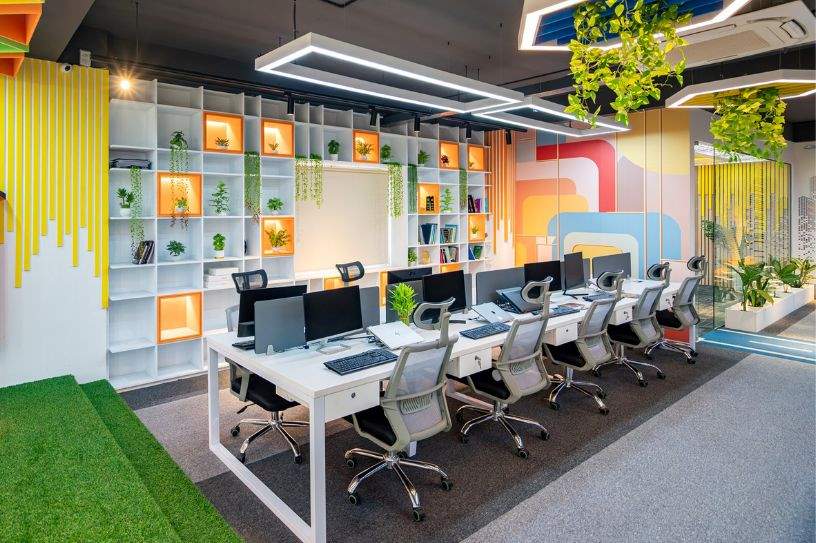
Another type includes collaborative workstations. This design is great for group discussions and brainstorming. It has shared tables, flexible seating, and integrated technology to make teamwork faster, more engaging, and efficient.
Hybrid Workstation Design
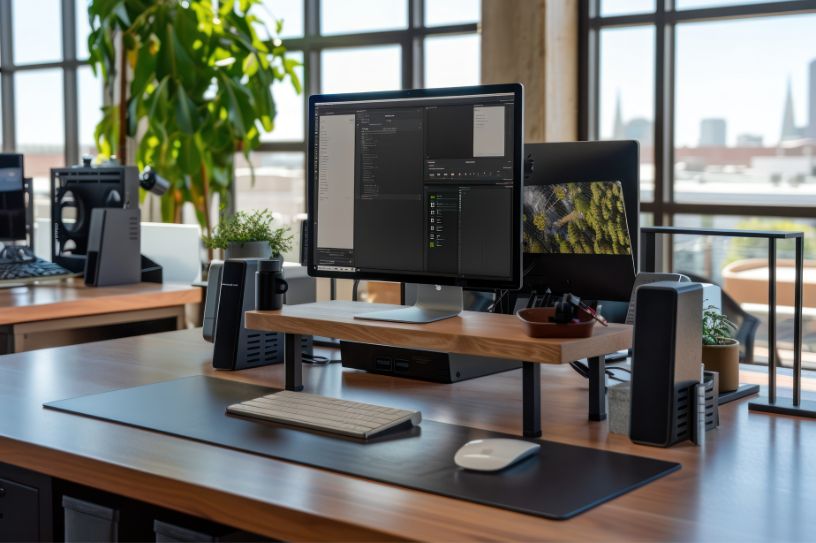
Hybrid workstation design has individual desks with shared collaboration zones. Now, this design supports both focused work and teamwork, and adapts well to modern hybrid working models. ‘
Modular Workstations
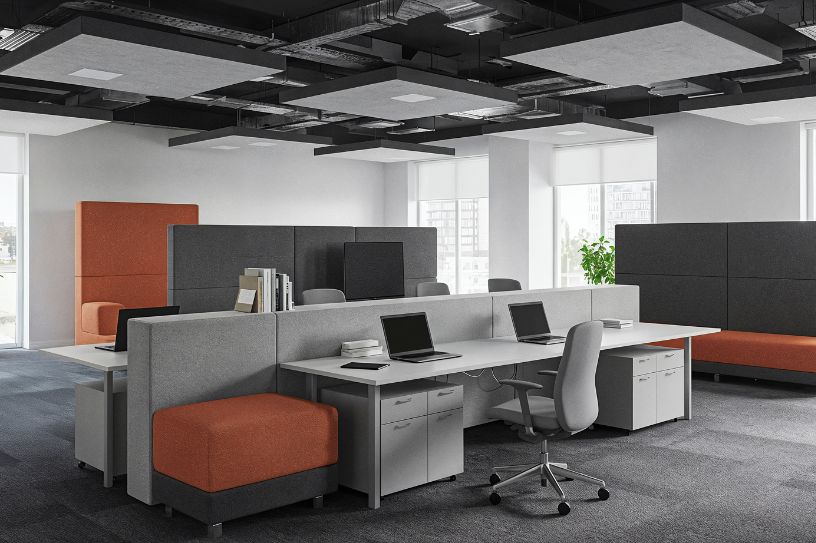
Modular workstations offer flexibility through movable and reconfigurable units. They allow offices in order to scale, recognize teams, and update layouts without even major structural changes.
Smart Office Workstation Design for Different Office Sizes
A smart design looks very different depending on the size of the workspace. What actually works for a compact office may fail in a large corporate setup. The key is to design workstations that truly maximize space, support workflow, and align with how teams exactly work. Here's a detail view:
Small Office Workstations
We all know that every square foot matters a lot in small offices. Compact office workstations with clean layouts, ergonomic furniture, and smart storage help avoid clutter. And, choosing between open vs. closed office layouts actually becomes crucial here, as the right layout can make a small office feel even more functional, organized, and less restrictive.
Medium Office Layouts
Medium-sized offices need a perfect balance between collaboration and privacy. A well-planned workstation design typically combines open work areas with semi-private desks, or even modular partitions. This setup supports team interaction and still gives employees enough personal space in order to focus and work efficiently.
Large Corporate Offices
Large offices need structured zoning just to manage scale and movement. Strategic workstation design for office environments involves departmental layouts, collaborative zones, and consistent office workstation table design across teams. Clear circulation paths, proper lighting, and technology-ready workstations ensure smooth operations and coordination across departments.
Future Trends in Office Workstation Design
-
Activity-Based Workstations
-
Modular and Reconfigurable Workstations
-
Height-Adjustable and Sit-Stand Desks
-
Technology-Integrated Workstations
-
Hybrid Work–Ready Workstations
-
Acoustic-Focused Workstation Design
-
Sustainable and Eco-Friendly Workstations
-
Biophilic Workstation Design
-
Space-Efficient Workstation Solutions
-
Smart Storage–Integrated Workstations
How to Plan a Smart Office Workstation Design
A smart workstation design doesn’t happen by chance. You have to plan it with proper intent. Below are 5 practical steps that explain how to design workstations that support productivity, comfort, and sufficient utilization of office space:
Step 1: Understand Work Patterns and Team Requirements
Always start by observing how exactly your teams work daily. Identify tasks that need focus, collaboration, or mobility. This helps define the right workstation for office, desk sizes, and seating needs without wasting space.
Step 2: Plan Space and Layout Strategically
An effective workstation starts with smart space allocation. So, now you have to choose layouts based on team interaction levels, ensure smooth circulation, and maintain clear access to shared zones in order to improve workflow efficiency.
Step 3: Prioritize Ergonomics and Comfort
Choose ergonomic chairs, adjustable desks, and proper monitor positioning. This is because a well-planned workstation table design prevents any physical strain, supports posture, and helps employees remain productive for longer hours.
Step 4: Optimize Lighting, Ventilation, and Acoustics
Natural light, task lighting, and good ventilation create a comfortable workstation in the office. Acoustic planning further minimizes noise, especially in open or collaborative workspace layouts.
Step 5: Integrate Technology and Future Flexibility
Modern office work station design should support technology preferences. Plan for power access, cable management, and modular setups that allow easy changes as teams grow or their workflow evolves.
Conclusion
A smart office workstation design that directly influences how efficiently teams work and how comfortable they feel throughout the day. When layouts, ergonomics, lighting, and technology come together seamlessly, workstations support both productivity and well-being.
All the businesses that invest in well-planned workspaces mostly see smoother workflows, better collaboration, and long-term gains in operation.
If you’re also planning to upgrade or even redesign your workplace, Serein Spaces is one of the top commercial interior design firms, offers expert office workstation design solutions that align functionality with modern preferences, and help you build a workspace that works as hard as your team does.